Not all leases that you add to ZenTreasury will be visible in the lease registry without using filters. Only active leases (ongoing and starting in the future) will be shown by default.
If you add a lease to ZenTreasury that has already expired, it is visible among the archived leases. To find it, follow these steps:
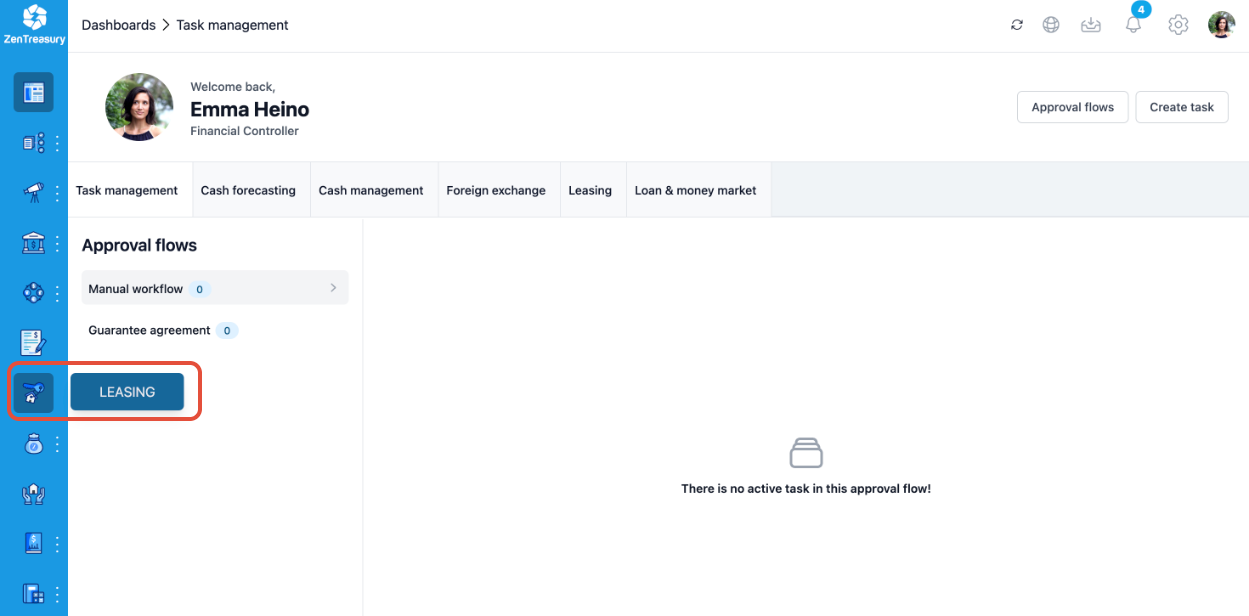
1. In the navigation menu on the left, go to LEASING
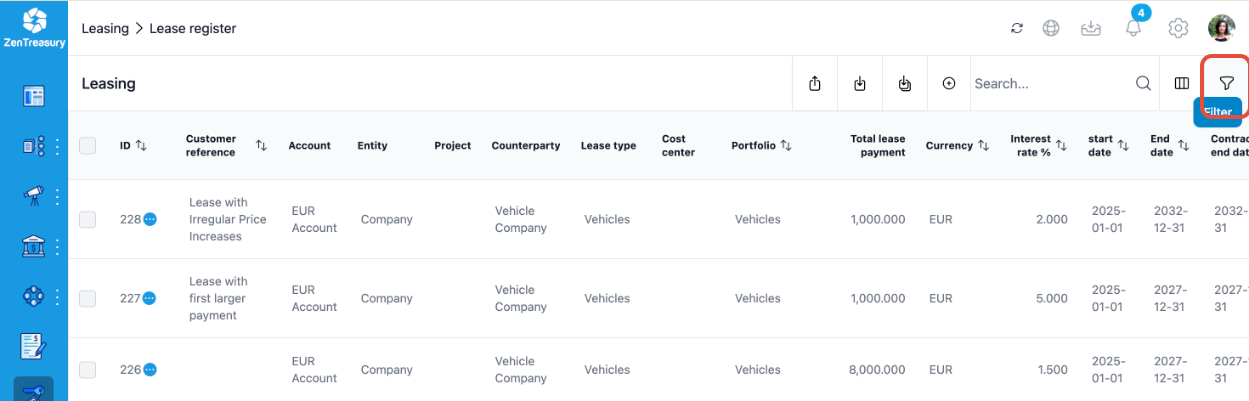
2. On the top-right click the filter symbol.
3. In the menu that opens, activate “View archived result”.
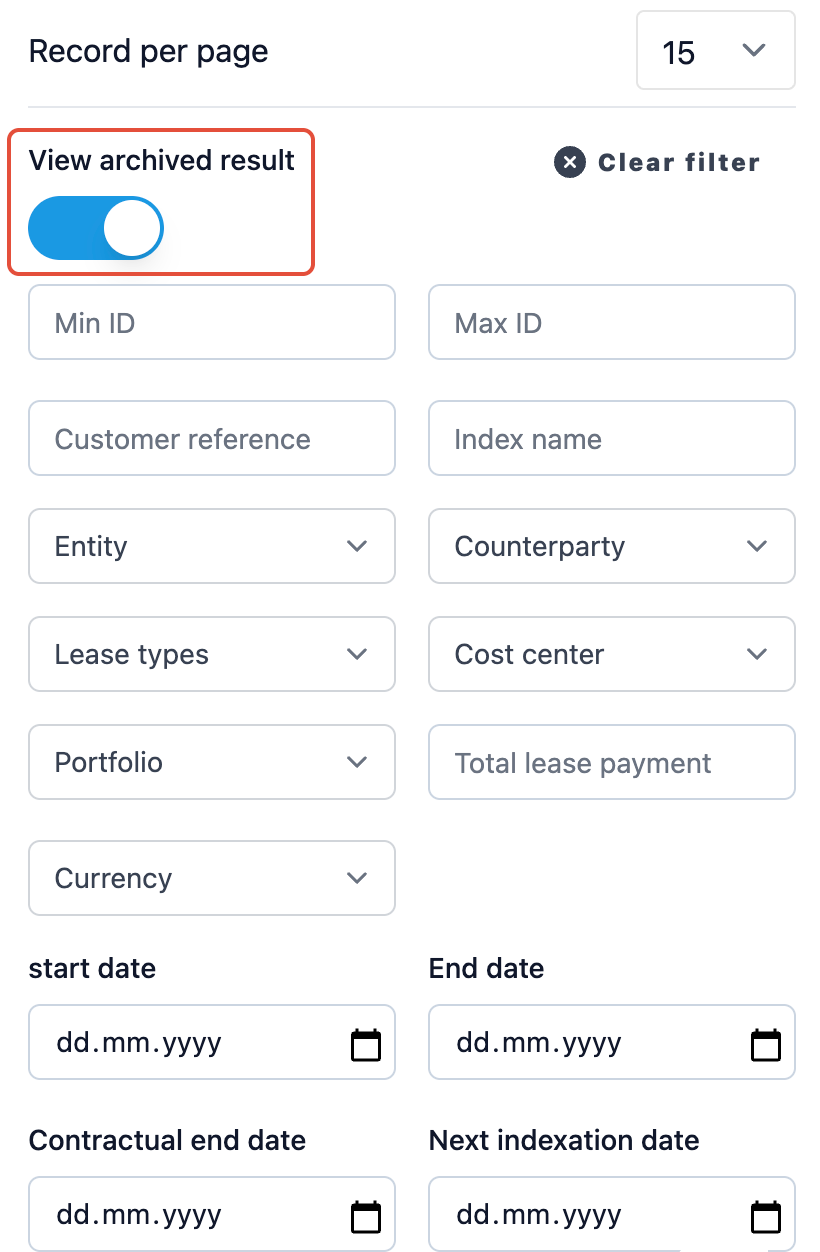
4. Now, you will see the list of archived leases (leases that have already ended).
5. If an active lease has gone missing, instead of looking in the archive, you can click on Clear filter.
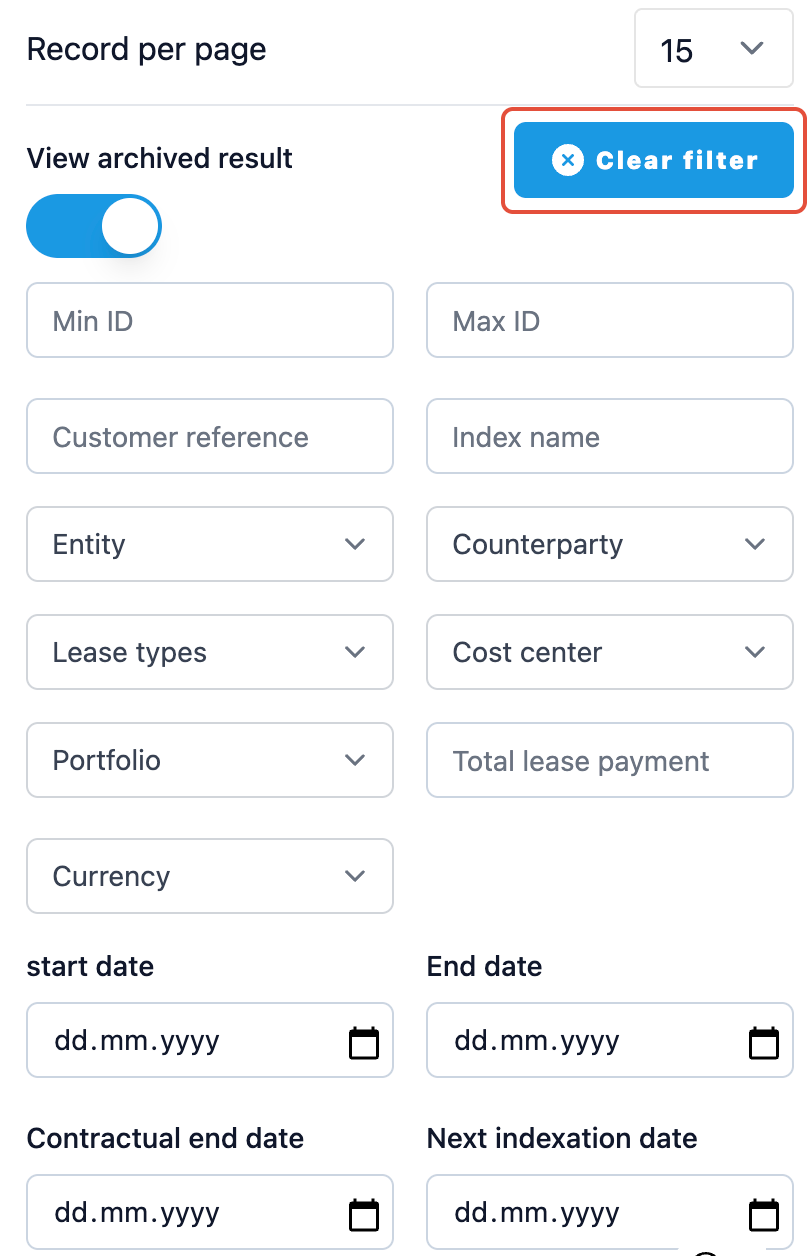
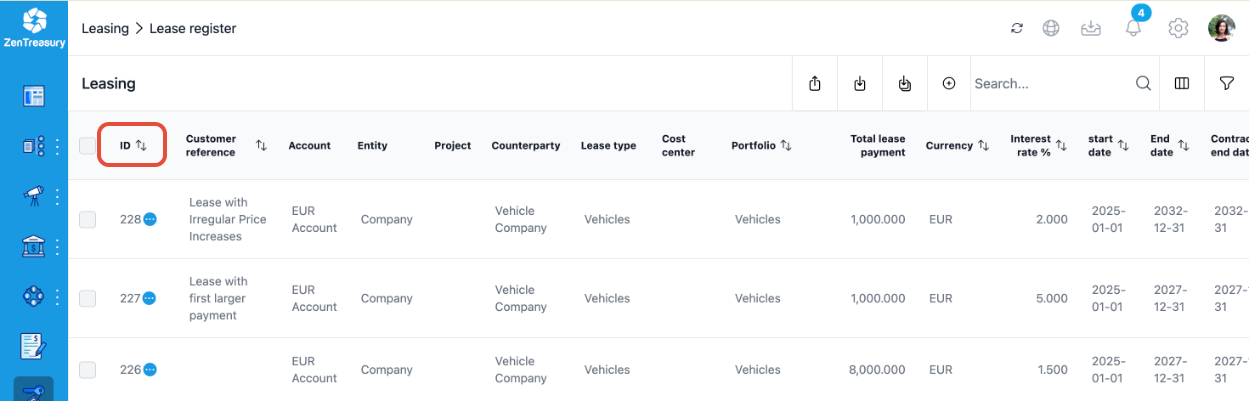
Then, sort according to ID, from highest to lowest. The newly added lease should now be on top of the lease registry.
Was this article helpful?
That’s Great!
Thank you for your feedback
Sorry! We couldn't be helpful
Thank you for your feedback
Feedback sent
We appreciate your effort and will try to fix the article