Projects function as a project register and can be added as needed. Projects can be linked to various financial instruments such as loans, foreign exchange (FX) deals, or guarantees. This makes it easier to track all items associated with a specific project. Additionally, the project serves as a filtering option in tools like Cash Forecasting and Foreign Exchange dashboards, where you can view financial graphs specific to each project.
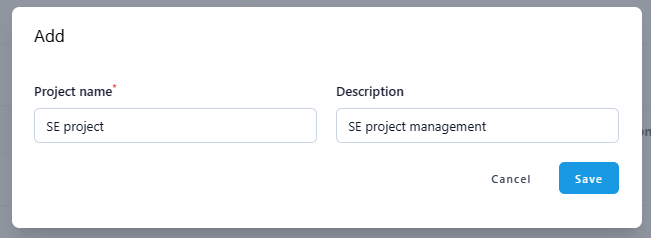
To add a project, navigate to Settings - Common Data - Projects and click the + icon.

Give the project a name and description (description field is optional) and click save.
Was this article helpful?
That’s Great!
Thank you for your feedback
Sorry! We couldn't be helpful
Thank you for your feedback
Feedback sent
We appreciate your effort and will try to fix the article