The Fund transfer register in ZenTreasury provides a comprehensive view of all fund transfers. While you cannot execute payments directly from ZenTreasury, the platform allows you to create approval flow to ensure transactions are tracked and managed effectively.
1. You can create fund transfers in Cash Management module, Fund transfer tab. Click + icon to add a fund transfer.
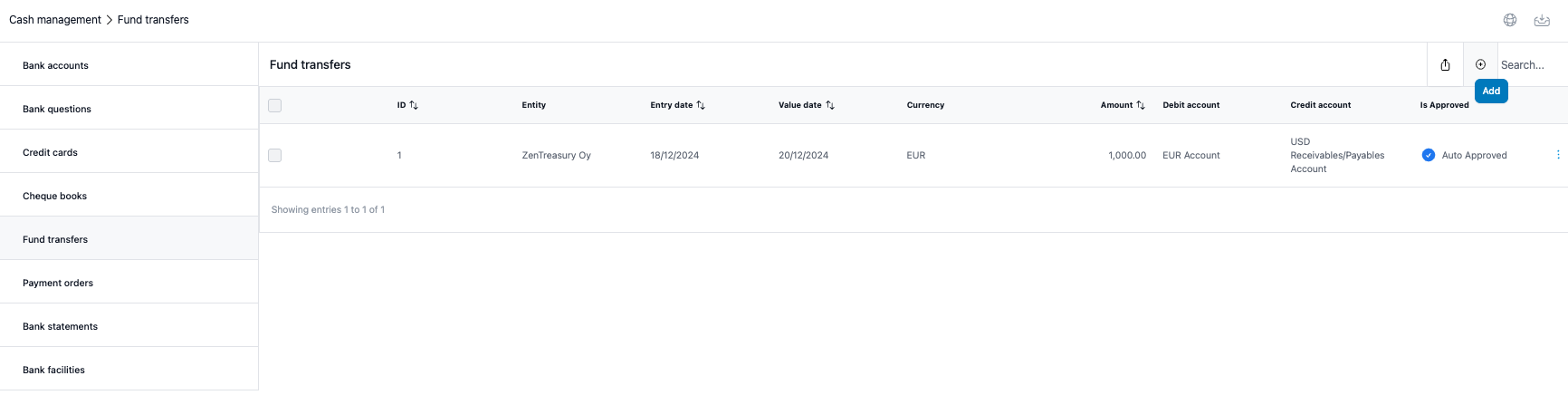
2. Fill in the fields and click 'Save'.
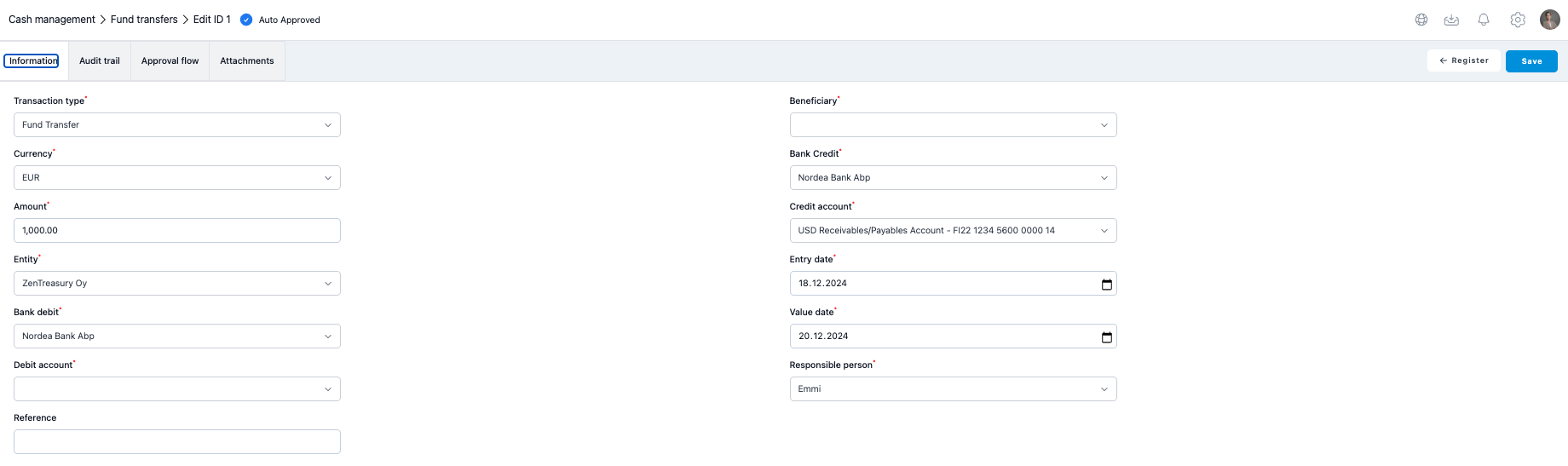
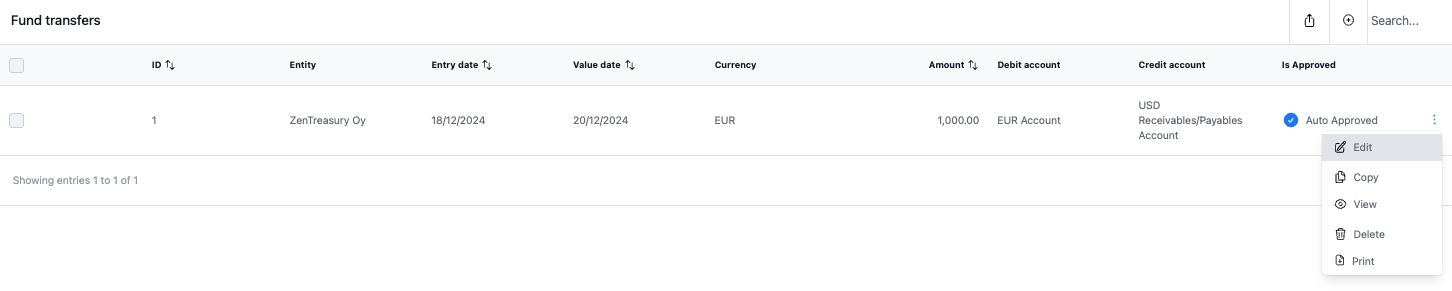
3. When you return to the register and then click 'Edit' the fund transfer you just created, you will see more tabs available.
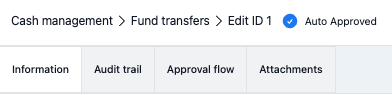
Audit Trail
In the audit trail, you can see all the changes made into the fund transfer on a very detailed level.
Approval flow
If there is a approval flow related to the fund transfers, it will show here as a link to the Dashboard > Approval flows. By creating an approval flow for the fund transfers you can make sure that the transfers are processed according to the approval process.
Attachments
This is where you can save documents in Excel, pdf, jpg, jpeg and png up to 5mb. Characters a-z A-Z 1-9 or - _ are only allowed in attachment file names.
Was this article helpful?
That’s Great!
Thank you for your feedback
Sorry! We couldn't be helpful
Thank you for your feedback
Feedback sent
We appreciate your effort and will try to fix the article