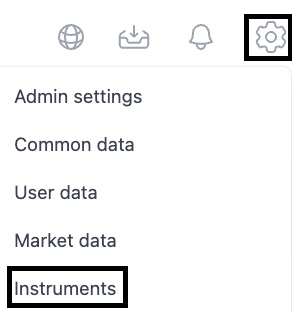
Before creating a loan agreement, you need to confirm that the instrument type has been correctly set. There are debt instruments created in the system by default. You can see the instrument register by clicking the cogwheel top right and select 'Instruments'.
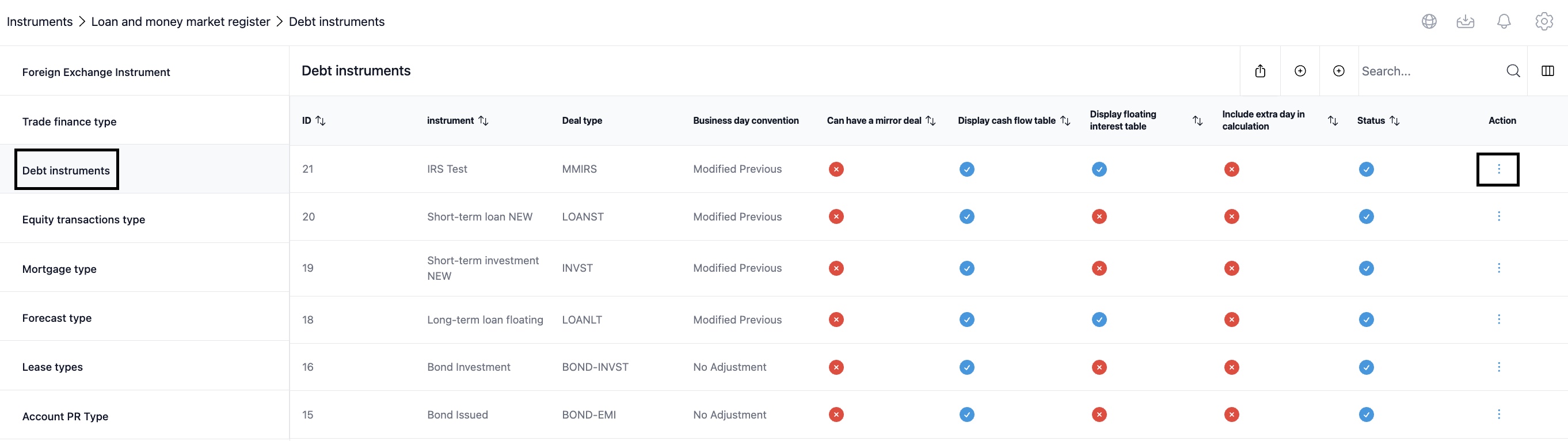
From the next view select 'Debt instruments'. Check first if an instrument type you are looking for already exists. You can see the settings of each instrument by clicking the three dots at the end of the row of the instrument in question and selecting 'View'.
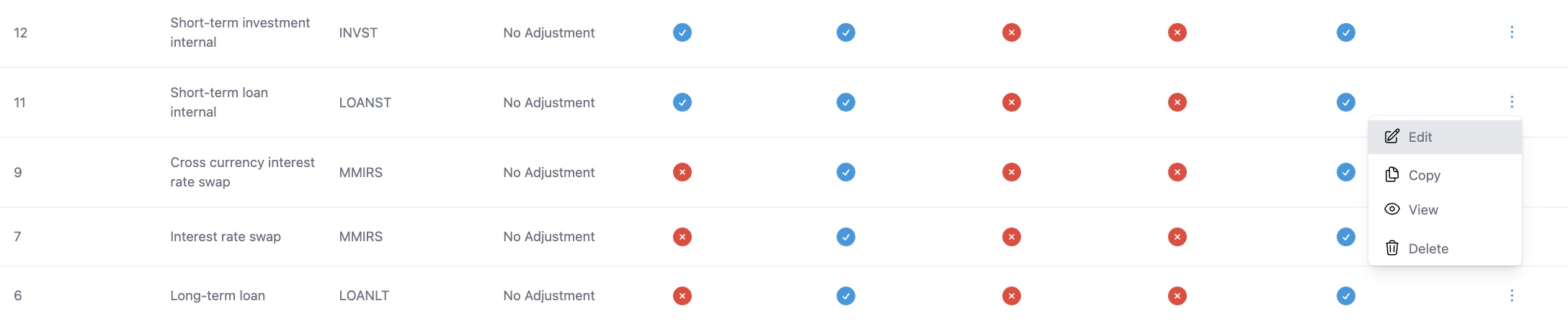
In order to make changes to the existing instrument type, you can select 'Edit' and change the fields that need to be amended.
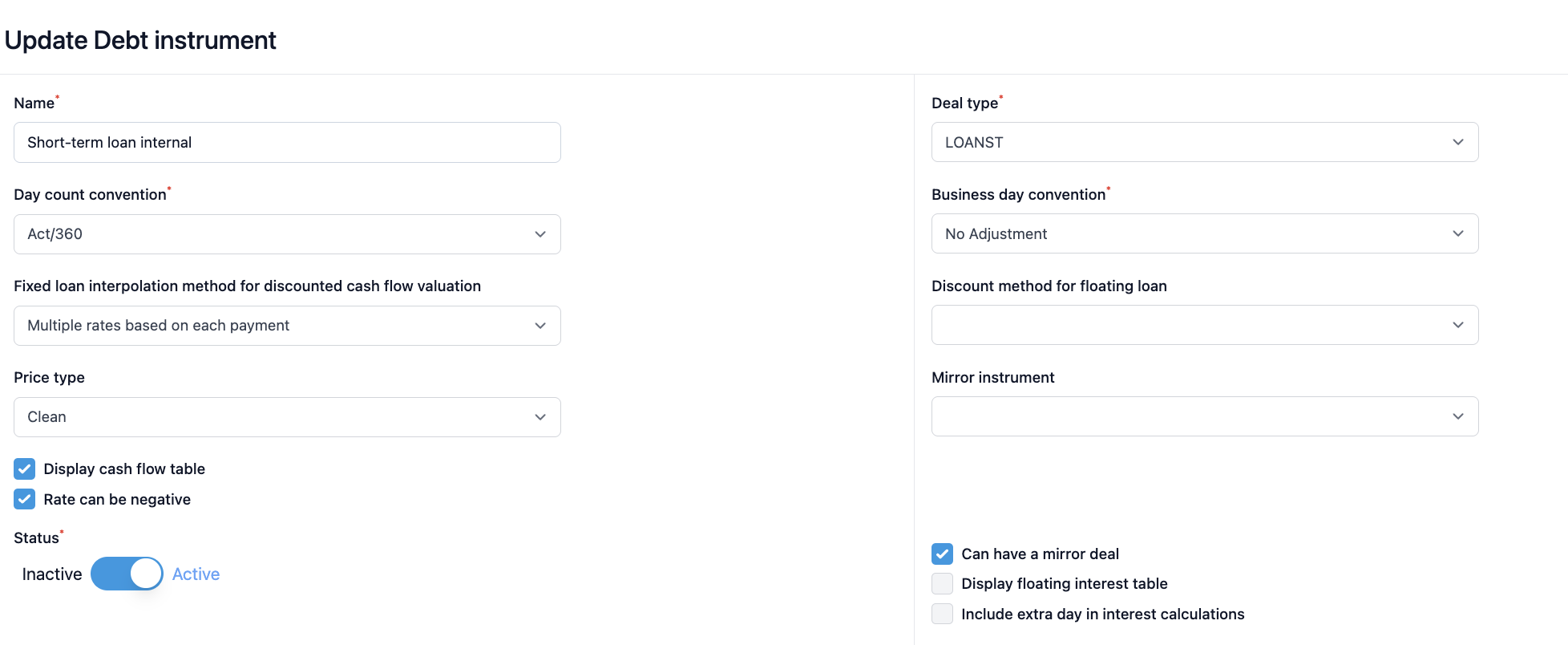
The following page opens and you can change your selection from the dropdown menus.
NOTE: Modifying an existing instrument that is already used in loan agreements, will effect all already created loan agreements as well. In case you need to modify some instrument at later phase, it is better to create a new instrument for the needed purpose.
Was this article helpful?
That’s Great!
Thank you for your feedback
Sorry! We couldn't be helpful
Thank you for your feedback
Feedback sent
We appreciate your effort and will try to fix the article